How to Automatically Name Screenshots on a Mac
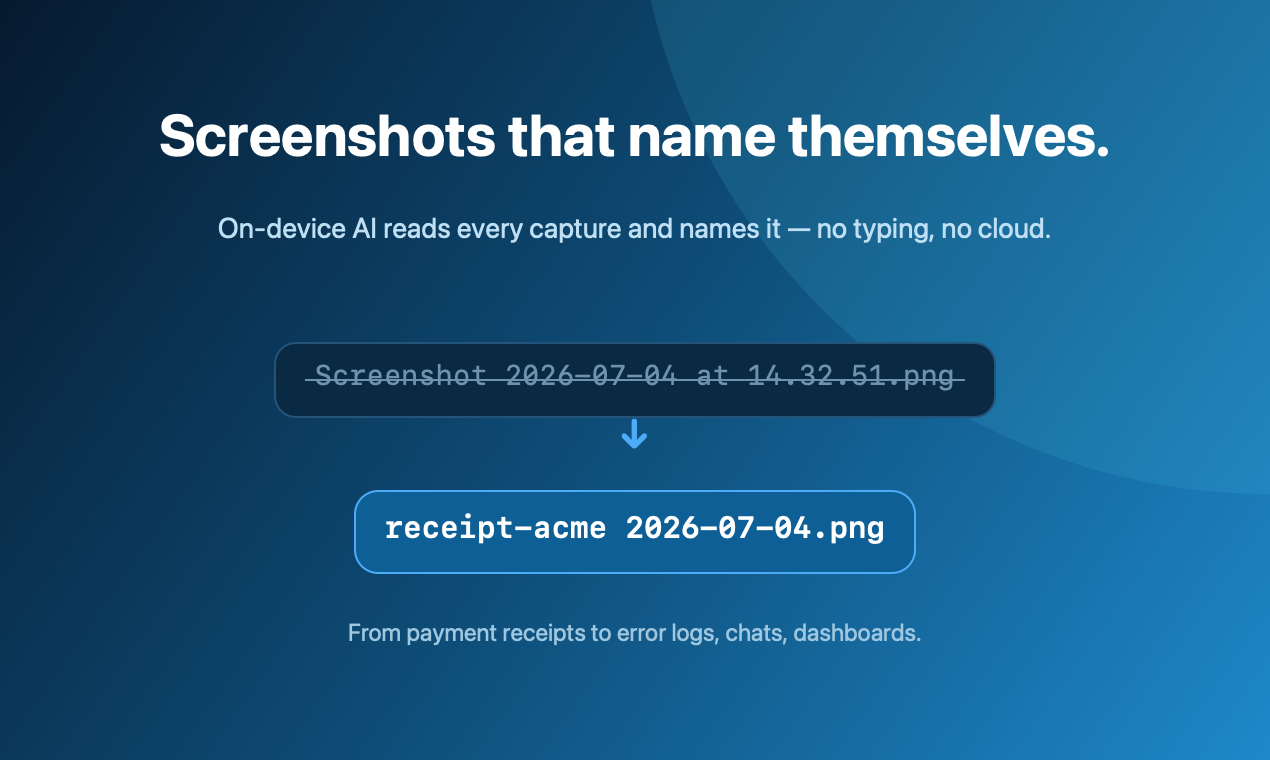
receipt-acme.png automatically, use a tool that reads the image on-device. ScreenDrafter does this with Apple's Vision + NaturalLanguage frameworks: capture, hit Save, and it suggests a searchable filename — privately, offline, no typing.Why every Mac screenshot is named the same useless thing
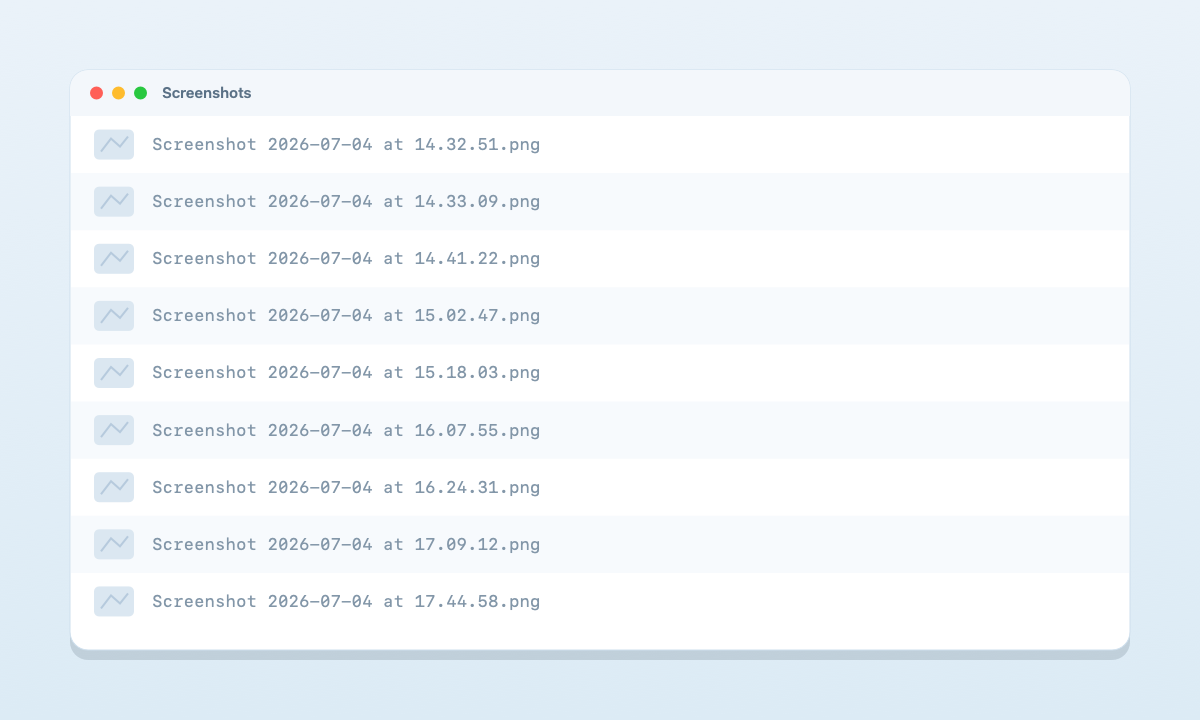
By default, macOS saves every capture as Screenshot 2026-07-04 at 14.32.51.png. Take twenty in a day and your desktop becomes a wall of near-identical timestamps. Three weeks later, finding "that receipt" or "the error I screenshotted" means opening files one by one — Spotlight can't help, because the filename says nothing about what's in the image.
You can tweak the prefix, but you can't make the Mac describe the picture. Here's what's actually possible.
Option 1 — Change the default name and folder (built-in, limited)
macOS gives you a little control through the Screenshot app:
- Press
⌘⇧5to open the screenshot toolbar. - Click Options.
- Under Save to, pick a folder (e.g. a dedicated "Screenshots" folder).
To change the word "Screenshot" itself, you can run a Terminal command (defaults write com.apple.screencapture name "Shot" then killall SystemUIServer). But notice what you still can't do: get a name based on what the screenshot shows. Every file is still Shot 2026-07-04 at ….png. This is renaming the prefix, not naming the content.
Option 2 — Rename by hand (works, but you won't keep it up)
You can always rename each file yourself, or batch-rename in Finder (select files → right-click → Rename). It's fine for a cleanup once in a while, but nobody renames every screenshot the moment they take it — which is exactly when a good name is worth the most.
Option 3 — Name screenshots automatically with ScreenDrafter (recommended)
ScreenDrafter is a native Mac screenshot app that reads each capture and proposes a descriptive filename for you — so a payment receipt saves as receipt-acme 2026-07-04.png, a bug becomes react-type-error …, a chat becomes whatsapp-chat-john …. It happens the instant you save, with no typing.
- Download ScreenDrafter (free) and open it — it sits in your menu bar.
- Capture with
⌘⇧2(area) or⌘⇧1(full screen). - Save. ScreenDrafter reads the shot on-device and pre-fills a searchable name. Accept it or tweak it — done.
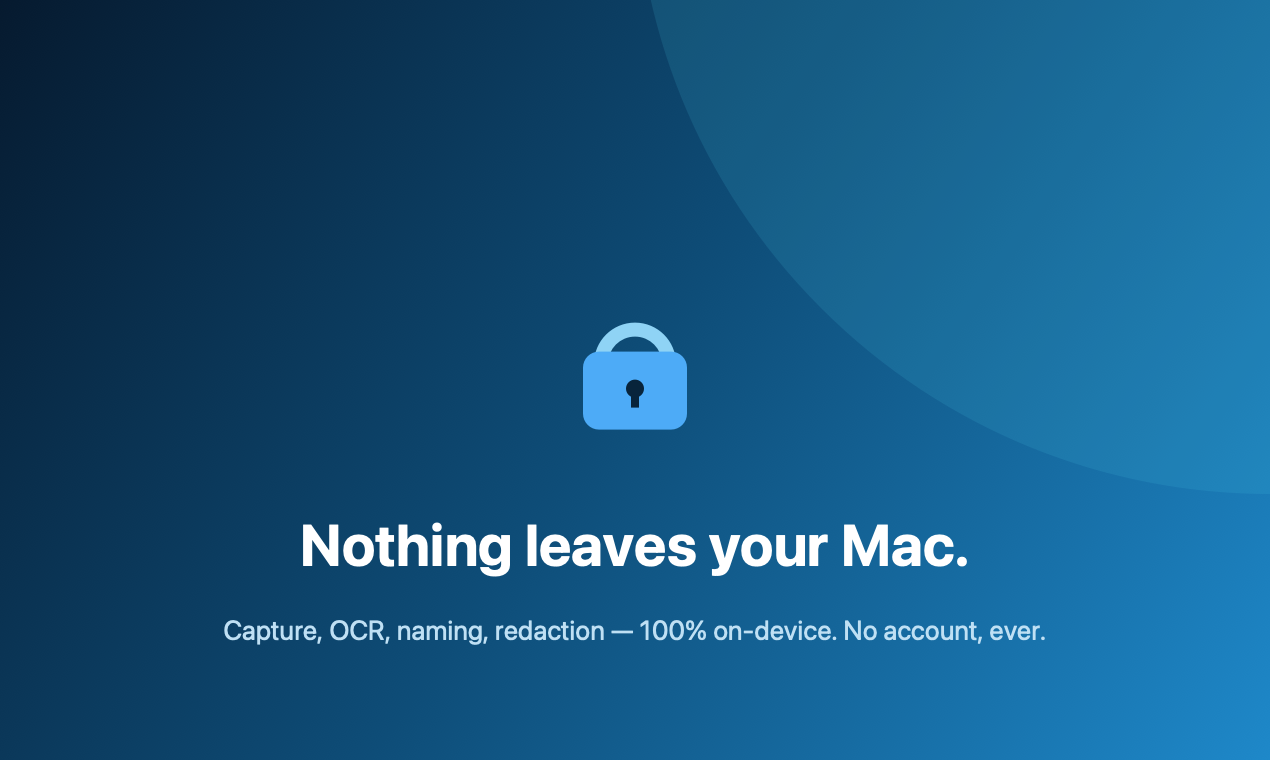
How it works, and why it's private: ScreenDrafter uses Apple's built-in Vision (OCR + image classification) and NaturalLanguage frameworks to read the text and figure out what the screenshot is about — entirely on your Mac. Nothing is uploaded, there's no API, and it works with your Wi-Fi off. Your screenshots never leave your device.
Comparison at a glance
| Approach | Descriptive names? | Automatic? | Private / offline? |
|---|---|---|---|
| macOS default | No — timestamp only | — | Yes |
| Rename by hand | Yes | No | Yes |
| Cloud AI renamers | Yes | Yes | No — uploads images |
| ScreenDrafter | Yes | Yes | Yes — on-device |
Stop naming screenshots by hand
Free for 30 days · ~3 MB · no account. Your Mac, your data.
Get ScreenDrafter for MacFAQ
Can macOS rename screenshots automatically?
Not by content. You can change the prefix and save folder (⌘⇧5 → Options), but files stay timestamped like Screenshot 2026-07-04 at 14.32.51.png. For a name that reflects what the image shows, you need a tool that reads it, such as ScreenDrafter.
Does automatic naming send my screenshots to the cloud?
With ScreenDrafter, no — it reads the image on-device with Apple's Vision and NaturalLanguage, so nothing is uploaded and it works offline. (Some web-based "AI renamers" do upload your images — worth checking before you use one on anything sensitive.)
How do I change where Mac screenshots are saved?
Press ⌘⇧5, click Options, and choose a folder under "Save to." That changes the location, not the naming.
Related: more ScreenDrafter guides →